› An 8-slide pitch deck for TasteBud, an upscale Italian restaurant: cover, our story, the menu philosophy, signature dishes, private dining & events, reservations info, location & hours, closing thank-you slide.
Follow these steps in the Beetler builder to reproduce this exact deck. Button and chip names are written the way they appear on screen.
- Pick the build type.On the home screen, under “What are you building?”, click the Slide deck chip. A Deck style row appears beneath it.

- Choose the Luxe style.In that row, click Luxe (the options are Auto, Minimal, Bold, Editorial, Luxe, Dark and Playful).

- Paste the outline.Type the outline above into the prompt box — one line per slide. Beetler keeps your running order.
- Choose a tone.Under “App personality”, click Business.

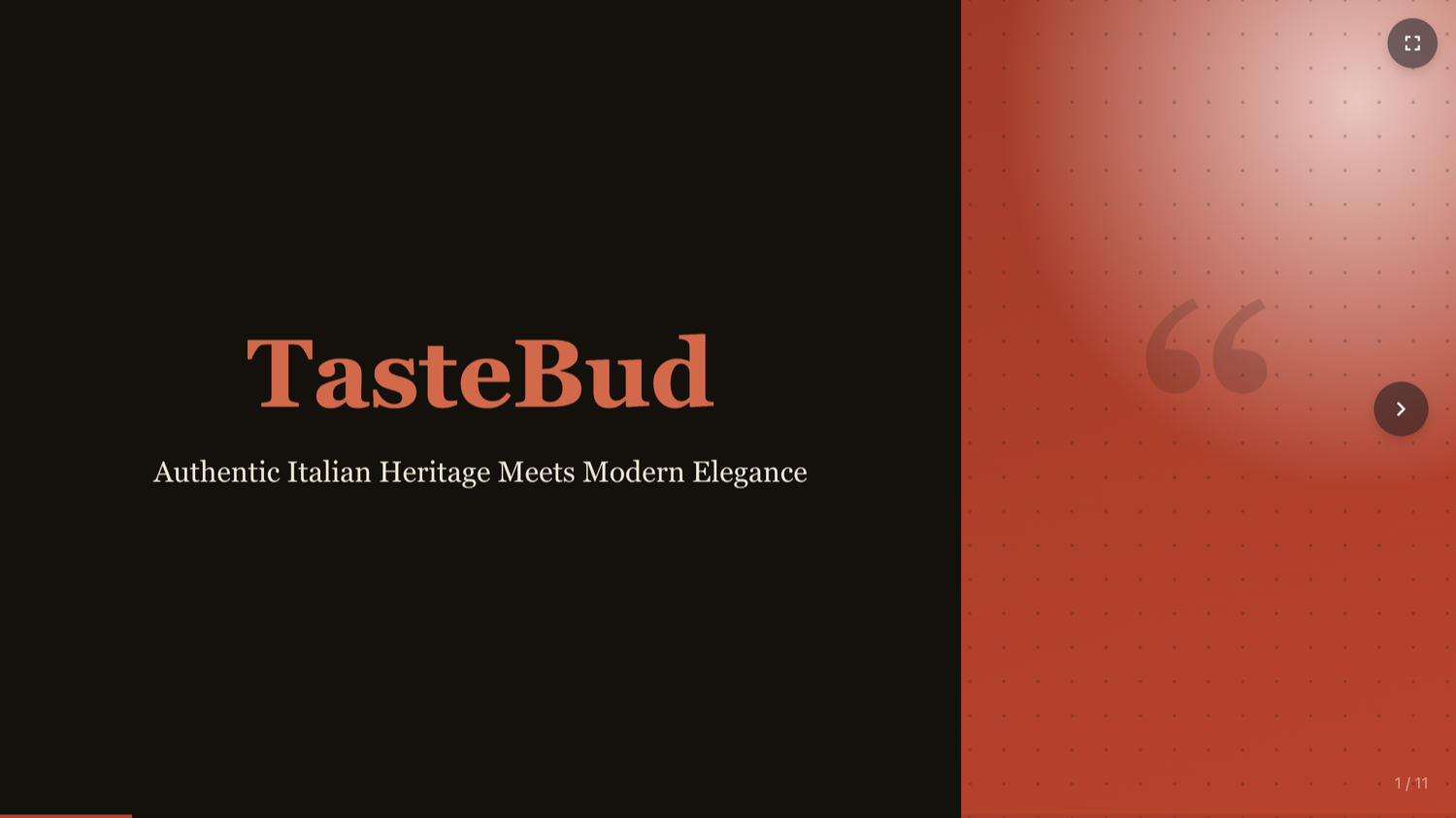
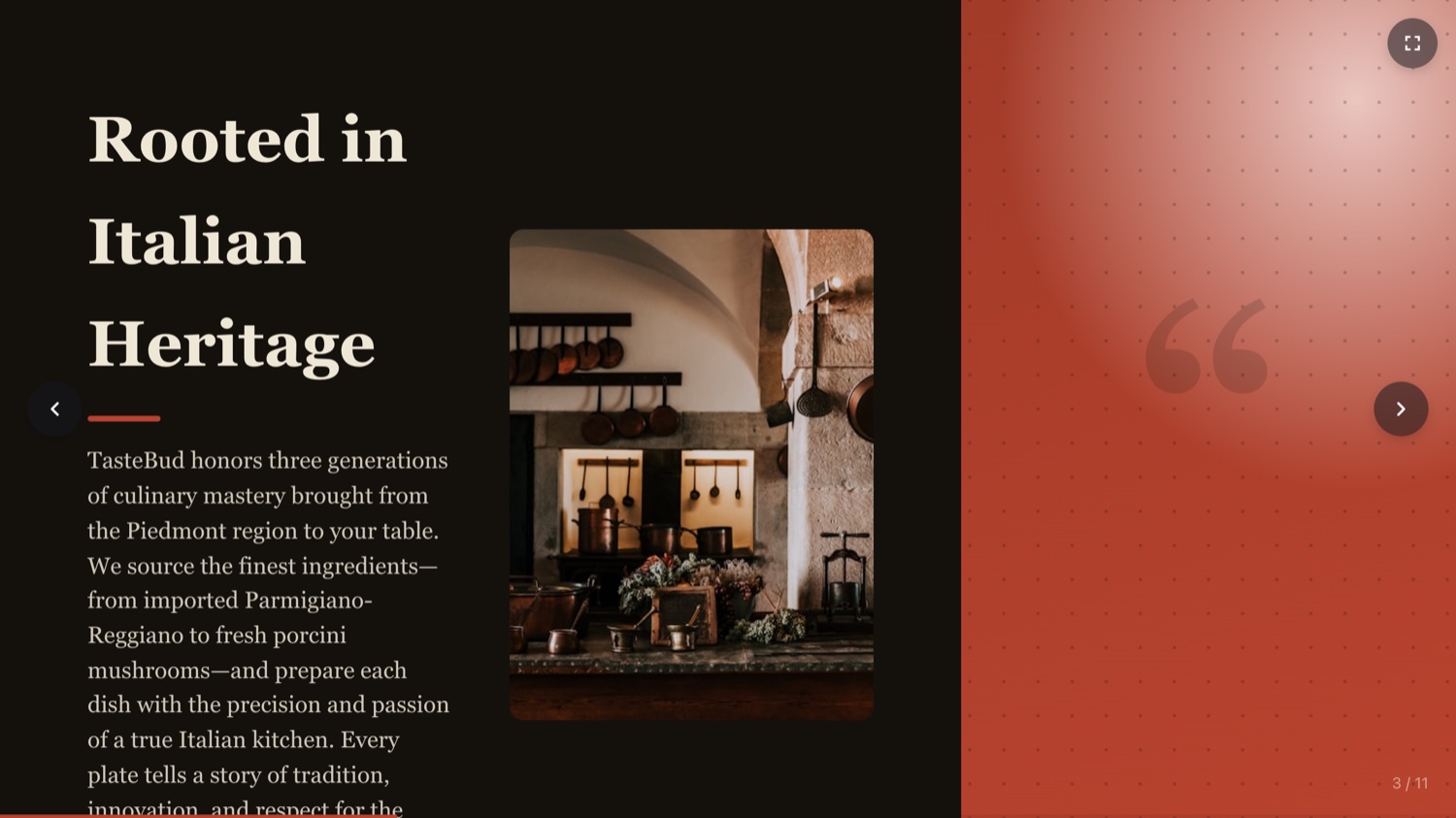
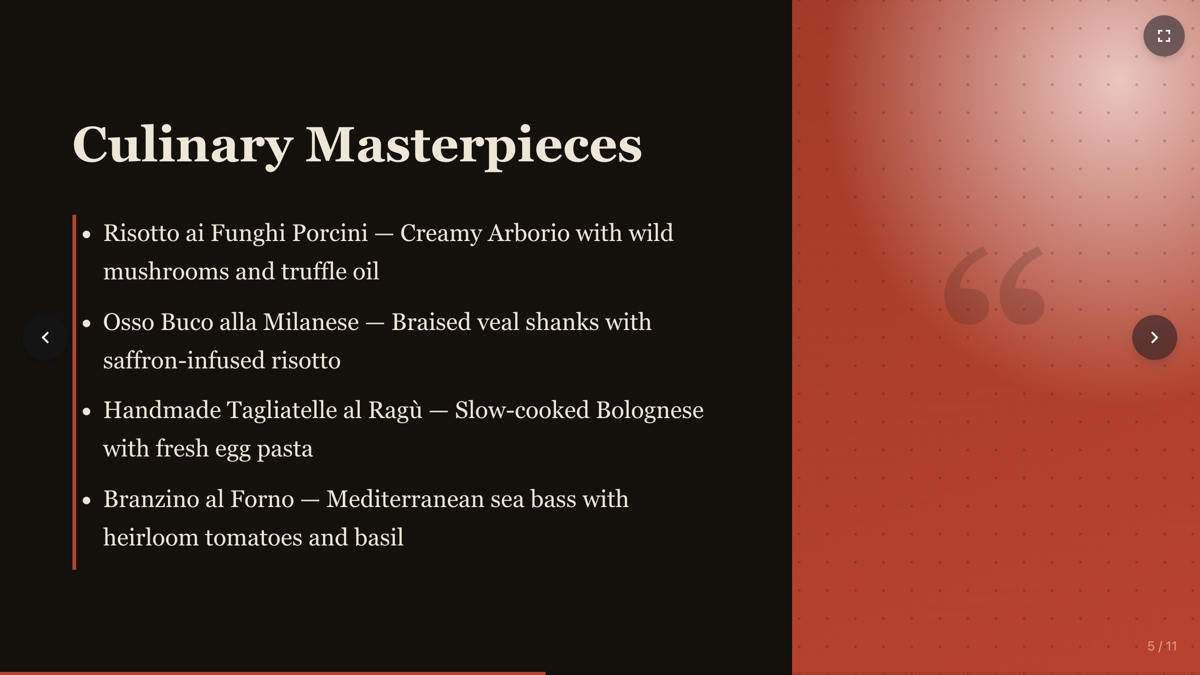
- Click Build It.Beetler expands your 8-line outline into a polished 11-slide deck — adding an agenda, an event-packages slide and a “why choose us” slide — and skips the data step, since a deck needs no database. Luxe applies the Editorial Split layout: a terracotta media panel with an oversized quotation-mark motif and a Georgia serif.

- Rearrange in the Slides panel.Click Slides to reorder, add or delete any slide. Each change rebuilds the deck in place.
- Present or share.Present full-screen with arrow keys and a slide counter, or open My Presentations and click Publish for a share link and QR code.
The slides Beetler wrote
CoverTasteBud
AgendaTonight's Journey
StoryRooted in Italian Heritage
PhilosophyWhat Drives Us
DishesCulinary Masterpieces
EventsCelebrations Elevated
PackagesTailored to Your Vision
Why usWhy Choose Us
Find usFind Us in the Heart of the City
ClosingExperience Italian Authenticity
The finished deck
More recipes
Recipe A · Web app
TasteBud — a restaurant that takes bookings
A menu with real food photography and a working reservations flow.
See how it was built ↗
Recipe C · Infographic
Beetler by the Numbers
Prose figures become stat tiles and an animated bar chart.
See how it was built ↗
Recipe D · Web app
Maison Aurele — a Paris atelier online
Sixteen photographed pieces in ink and champagne, priced in euros.
See how it was built ↗
Recipe E · Web app
Vela Studio — a studio that takes bookings
Twelve classes, five instructors and a booking flow in eucalyptus and coral.
See how it was built ↗
Recipe F · Web app
Meridian Journal — a magazine that reads
Twelve photographed essays from twelve countries, ink on paper.
See how it was built ↗
Recipe G · Web app
Kite Property — a Copenhagen estate agency
Twelve photographed homes priced in kroner, with a type filter.
See how it was built ↗